
Need to remove an emoji from a photo or image without opening Photoshop or installing another app? Use an AI emoji remover online — upload the photo, let the tool detect and erase the emoji or sticker, then download the clean result.
This guide covers how to remove emoji from a photo, remove a sticker from a photo, or clean up any overlay, including face-covering emojis, reaction icons, and decorative elements.
If you need to clean up more than an overlay — for example a photobomber, date stamp, or background clutter — use Erasio's cleanup pictures tool for brush-based photo cleanup.

Why photos get emoji overlays
Emoji overlays usually come from social apps, messaging apps, and quick photo editors. Someone may add a heart emoji to a selfie, cover a face with a smiley, place reaction emojis over a screenshot, or decorate a product photo with stickers before sharing it.
That is fine when the photo is only for a story or a chat. It becomes a problem when you need the clean image again for a profile, product listing, presentation, portfolio, or personal archive. Cropping often removes too much of the photo. Blurring leaves a visible patch. Using AI is usually the cleaner option — it erases the overlay and fills the gap, rather than blurring over it or cropping around it.

How to remove emoji from a photo in 3 steps
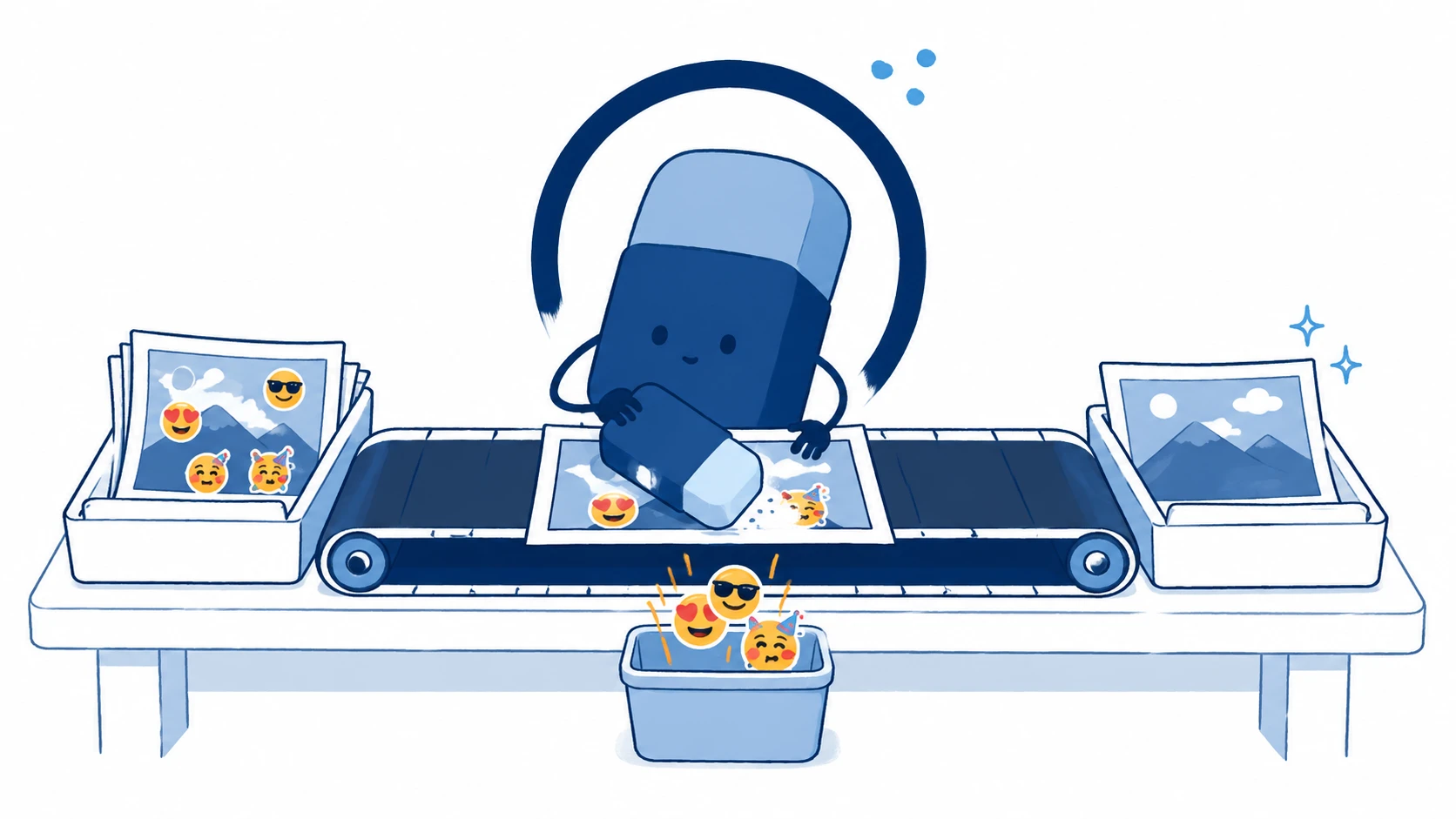
Step 1: Upload your photo
Open Erasio's remove emoji from photo tool and upload your image. JPEG, PNG, and WEBP files work best. A clear, high-resolution image gives the AI more visual information to rebuild the covered area.
Step 2: Let AI remove the emoji
Click Remove emoji. Erasio detects emoji, sticker, or overlay areas automatically, removes them, and fills in the cleared area to match the surrounding content. The rest of the photo stays unchanged.
Step 3: Download the clean image
Preview the result and download the clean photo. If the emoji covered a simple background, wall, sky, clothing, or texture, the result is usually seamless. If it covered a face or detailed object, the AI fills in a natural-looking version — it cannot recover the exact original detail that was hidden.
What types of emoji can be removed
Stickers and decorative emoji
Flat stickers, hearts, stars, fire emojis, smiley faces, and decorative icons are the easiest overlays to remove. When you need to remove a sticker from a photo, this is the most reliable case — the overlay sits clearly on top, so the tool erases it cleanly and fills in the area underneath.
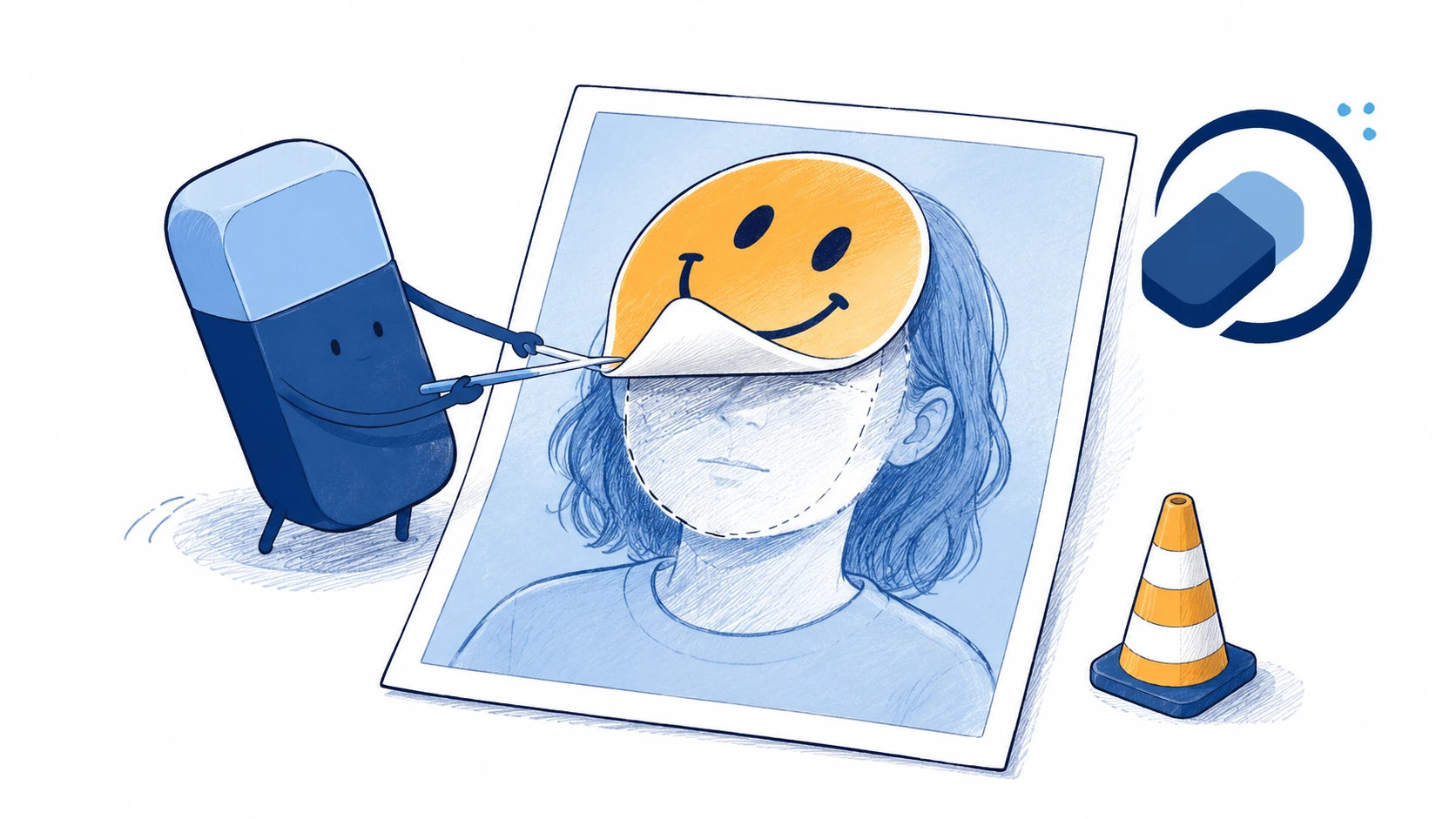
Face emoji overlays
A face emoji remover can help when a smiley, heart-eyes emoji, or other icon covers a person's face. This is useful for restoring group photos, profile photos, or social images. One limit to keep in mind: if the original face was fully covered, the tool fills in a natural-looking face — it cannot reveal the exact face that was hidden underneath.
Reaction emoji on screenshots
Reaction emoji and sticker overlays on screenshots can often be removed, especially when they sit on top of image content. If the emoji is embedded inside a text line, results may be less predictable because the surrounding area is typography, not a natural photo texture.
Tips for better results
- Use the highest-resolution version of the photo you have.
- Avoid heavy compression when possible.
- The cleaner the emoji edge, the better — blended or feathered borders are harder to detect.
- Expect best results on simple backgrounds, clothing, skies, walls, and product surfaces.
- For text-heavy overlays, use Remove Text from Image instead.
FAQ
Can you really remove an emoji from a photo without leaving a mark?
Yes. The AI fills in the area behind flat emoji, sticker, or overlay elements to match the surrounding content. Results depend on what was under the emoji: simple backgrounds and textures clean up very well, while complex scenes may show subtle differences.
How do I remove an emoji from a photo on iPhone or Android?
Open Erasio in Safari or Chrome, upload your photo from your camera roll, click Remove emoji, and download the result. You do not need to install an app.
Can I remove a face emoji that is covering someone's face?
Yes. Erasio removes the face emoji and fills in a natural-looking face underneath. If the original face was fully covered, the result is a filled-in version — it cannot reveal the exact face that was hidden.
What is the difference between removing an emoji and removing a sticker?
Not much, practically. Both are visual overlays sitting on top of the photo. Erasio handles them the same way — detect the overlay, erase it, fill in the area underneath.
Can I remove multiple emojis from one photo at once?
Upload the photo once and Erasio removes all emoji or sticker overlays at the same time.
Can I remove an emoji from a WhatsApp photo?
Yes. Save the photo from WhatsApp to your camera roll first, then open Erasio in Safari or Chrome on your phone, upload the photo, and download the clean version. No app install needed.
What image formats are supported?
JPEG, PNG, and WEBP are supported. For best performance, use images up to 10 MB.
Remove emoji from any photo or image
Ready to clean your photo? Use Erasio to remove emoji from photo online for free. No sign-up, no downloads, and no Photoshop required.