
Clean Up Travel & Vacation Photos
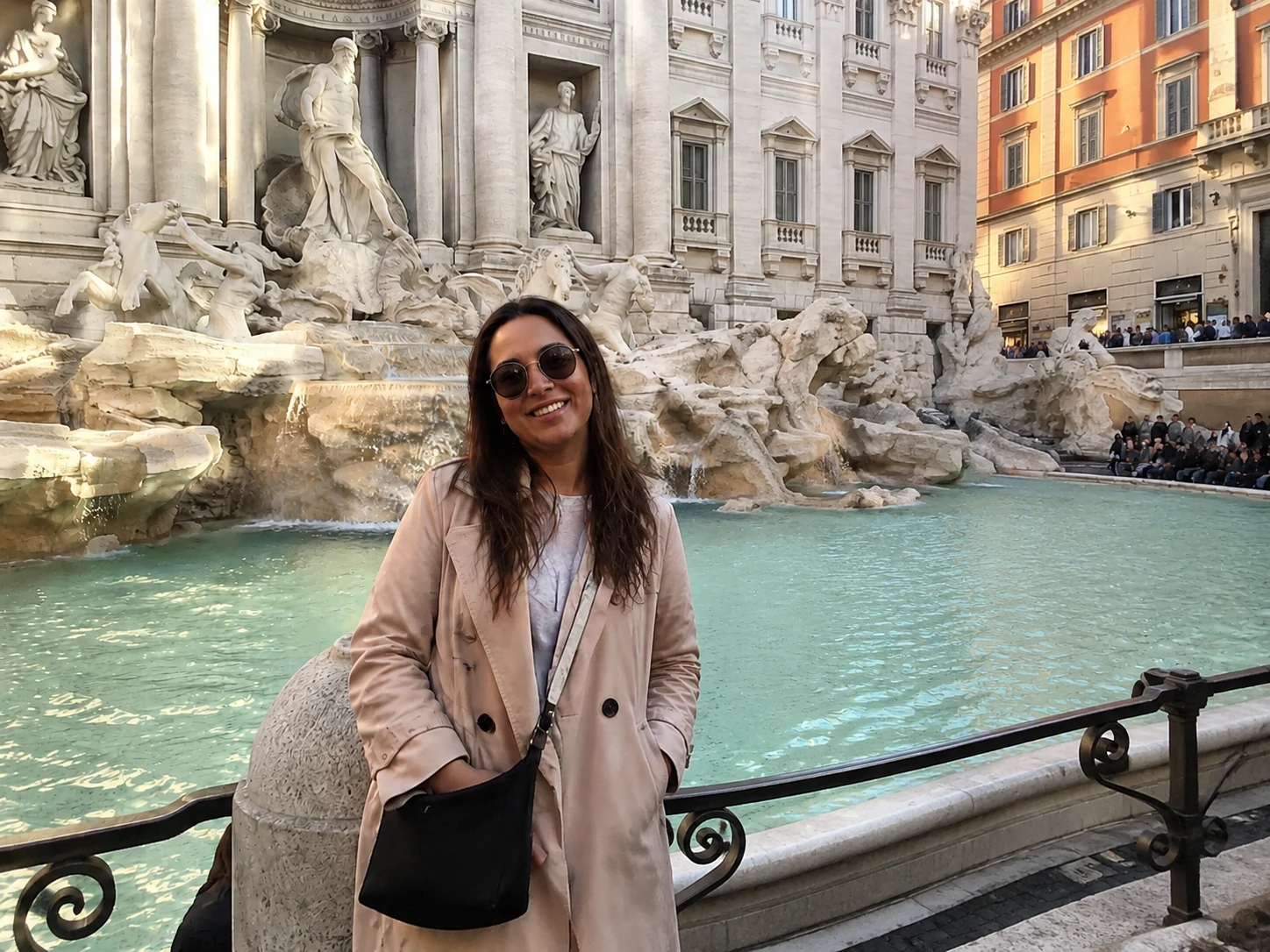
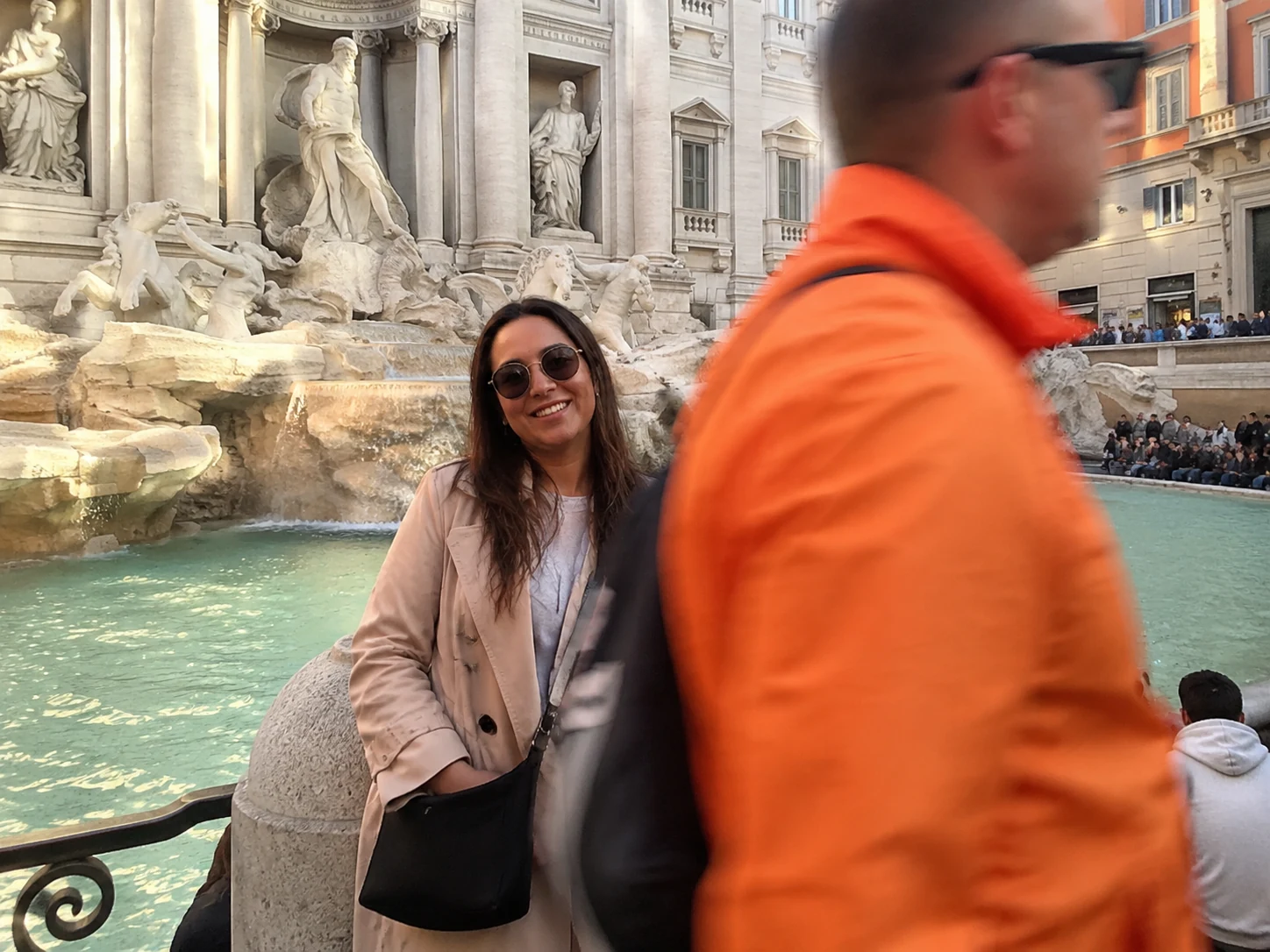
That tourist who walked into the frame right as you clicked. The food stall blocking the entrance. Brush over whatever ended up in your shot and Erasio fills the scene back in.
Paint over whatever's in the way — a stranger, a power line, a caption, a timestamp. The AI reads what surrounds it and fills the gap clean.
Erasio is a free online tool built around one idea: paint over what you don't want, and the AI figures out what should be there instead. To cleanup pictures, open Erasio in any browser, upload your photo, and use the brush to mark whatever is in the way — a stranger, a power line, a date stamp, or a logo. The AI reads the surrounding pixels and fills the gap back in naturally. No Photoshop, no app download, no account. Cleanup pictures online and download the result in full resolution, free. Erasio works on every photo type: travel shots, iPhone photos, marketplace listings, old scanned prints, or anything you want to clean up before posting. Whether you need to remove a single object or clean up several distractions in one pass, the brush tool gives you precise control over exactly what gets erased. The AI handles the background reconstruction automatically — you just paint, click, and download.
Drag and drop your photo into Erasio. Supports JPG, PNG, and WebP — no account needed to get started.
Use the brush tool to mark the object, person, text, or area you want to erase. Make the brush larger for big objects, smaller for fine edges.
Click "Cleanup Picture" and the AI erases what you painted over, filling in the background naturally. Download your result in full resolution.
Paint over anything that clutters your shot — Erasio handles the rest:
That tourist who walked into the frame right as you clicked. The food stall blocking the entrance. Brush over whatever ended up in your shot and Erasio fills the scene back in.


Open Erasio in Safari or Chrome, upload straight from your camera roll, and clean up the shot. No app to download, no account needed — works on any phone or tablet.
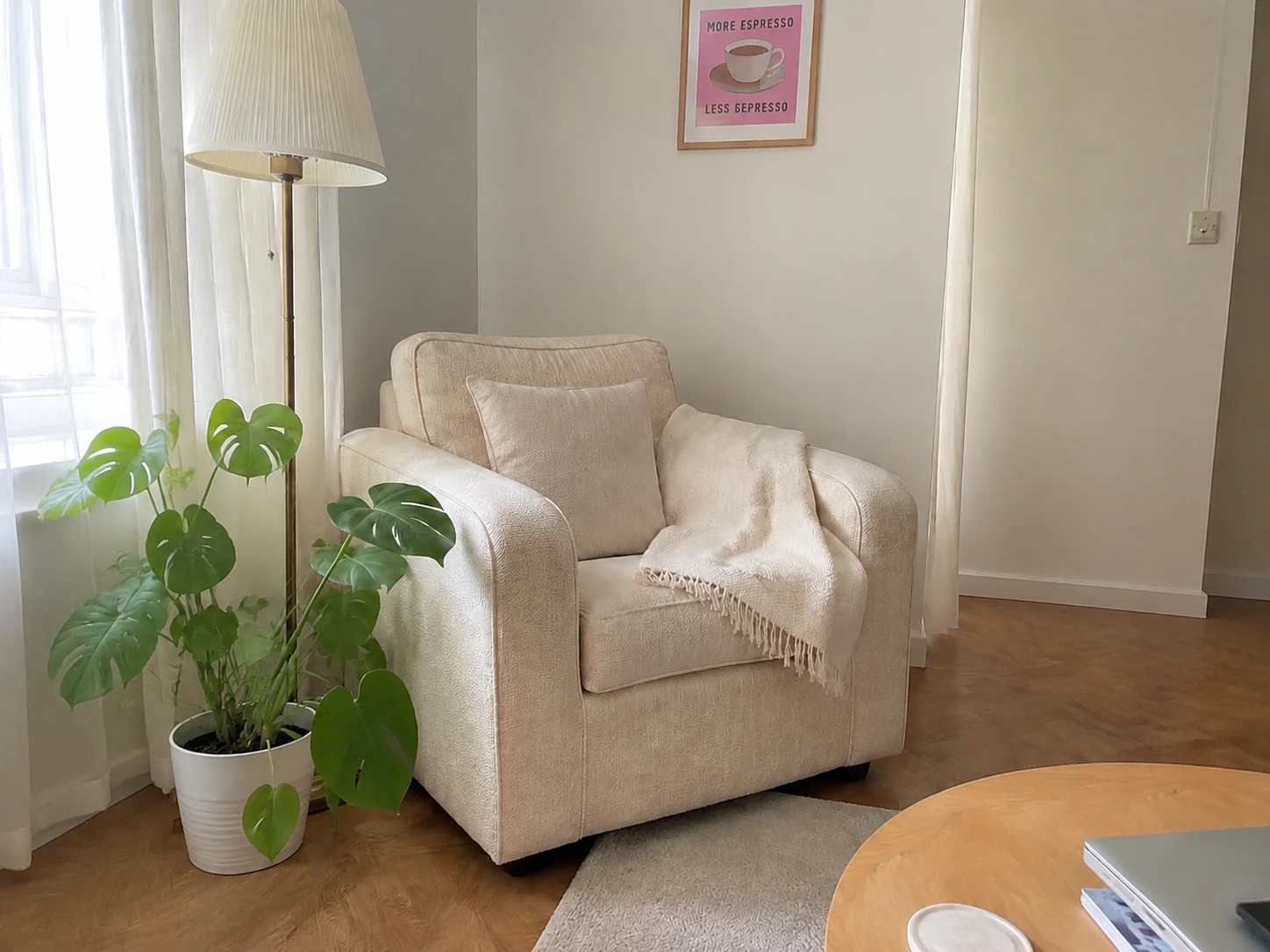
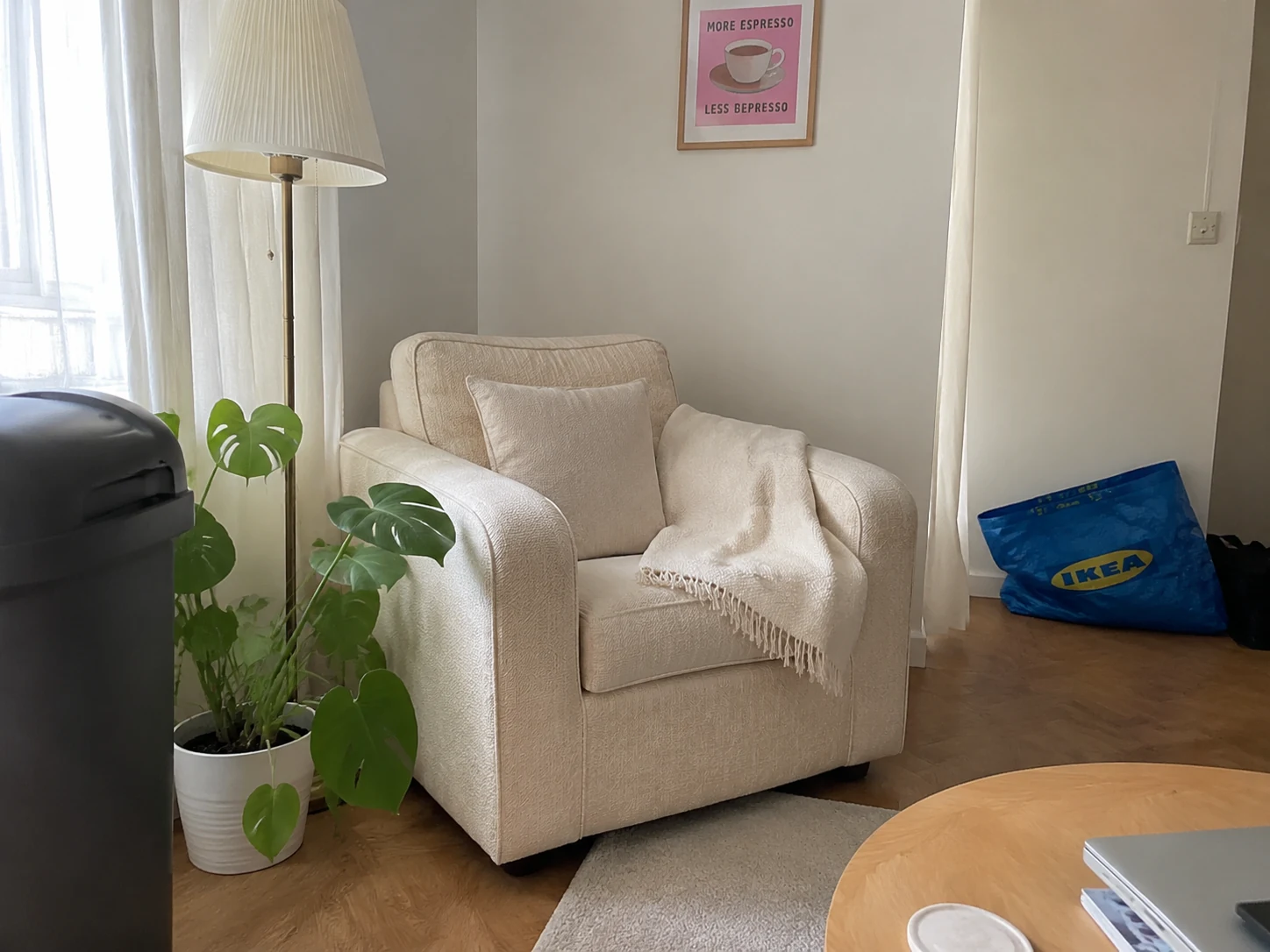
The rubbish bin at the edge of the frame. A cable on the floor. Someone's arm in the corner. Paint over whatever's cluttering the background and the AI fills in the gap.


Before you post to Instagram or send to a group chat — brush over the one thing pulling attention away from the subject. A cleaner photo takes seconds and looks noticeably different.


Dust spots on a scanned print. A scratch cutting across someone's face. A date stamp from 2003. Brush over the damage and Erasio reconstructs what was there originally.
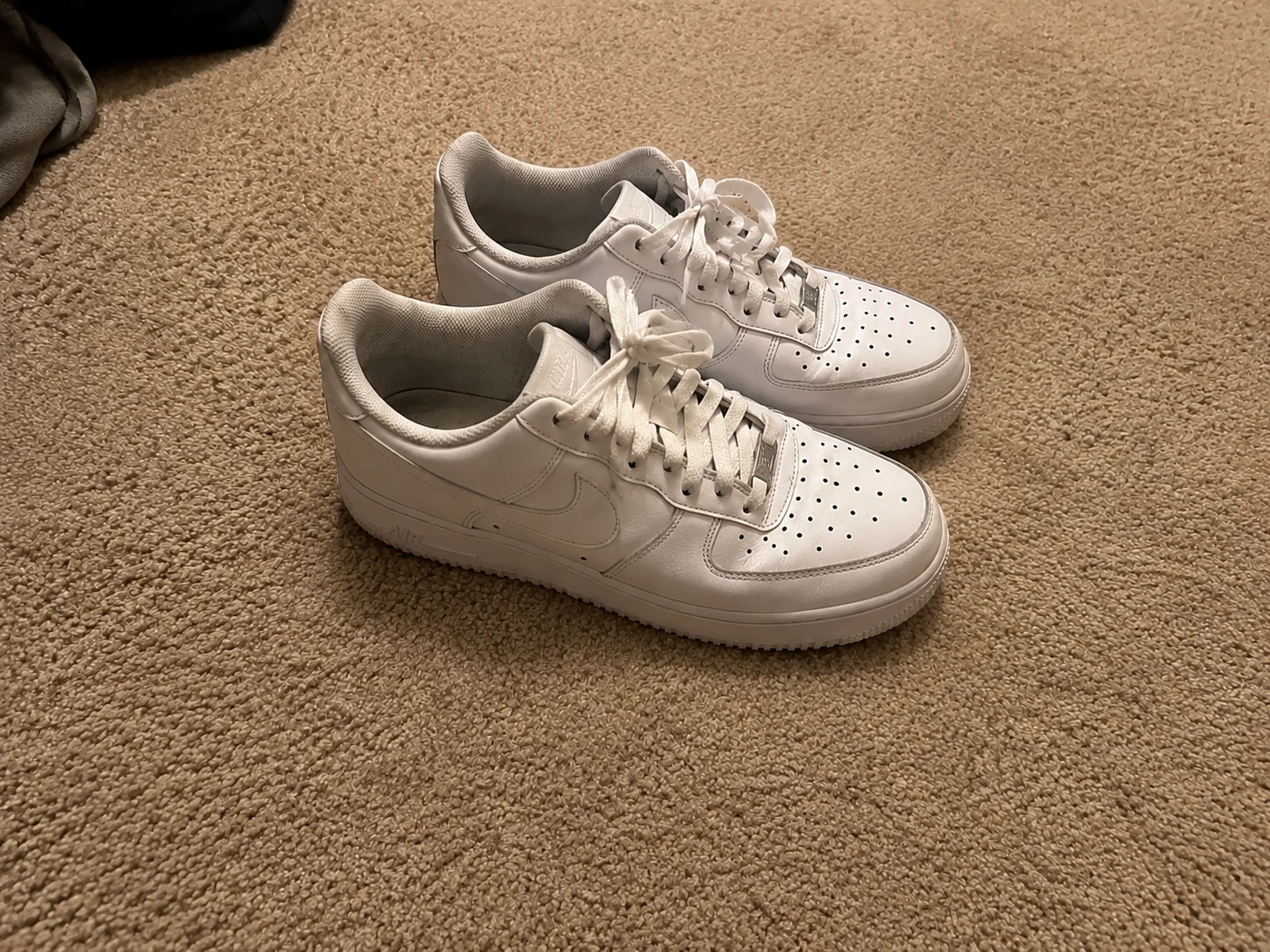
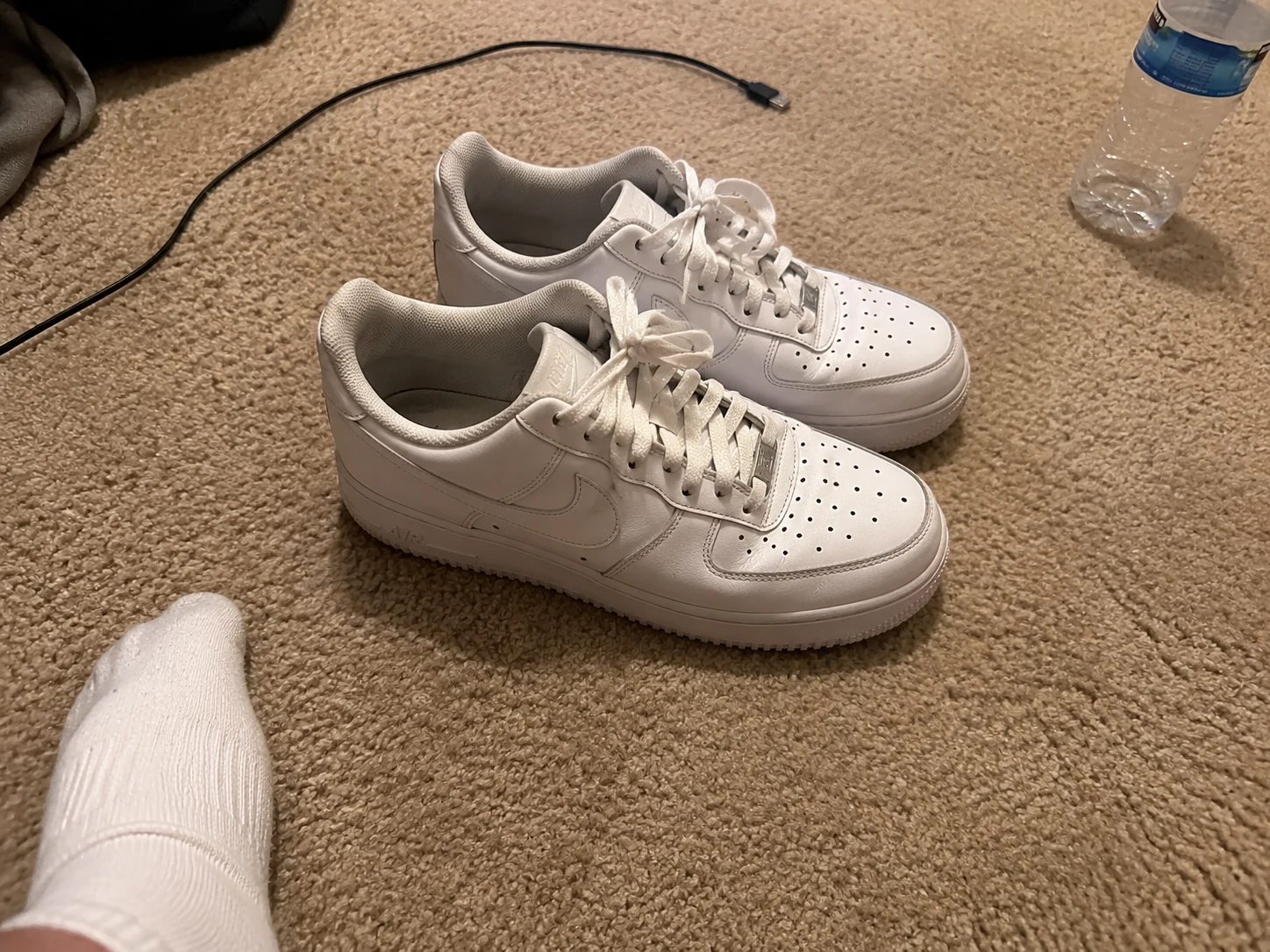
Selling on eBay, Vinted, or Facebook Marketplace? A hand holding the item, a cord in the background, the edge of a table in frame — brush it out before you list.


Got three things to clean up in the same photo? Paint over all of them before clicking Cleanup Picture. Erasio processes each brushed area separately — no need to run the photo through multiple times.
When you erase an area, Erasio analyzes the texture, tone, and pattern around it before filling the gap. A sky stays blue. A brick wall stays consistent. A wooden floor extends naturally.
Open Erasio in Safari or Chrome on your phone, tablet, or laptop — no app to install, no account to create. Upload straight from your camera roll and start cleaning up in seconds.
Your cleaned-up photo downloads at the same resolution it came in — no watermark on the result, no compressed preview. Send it straight to your phone or save it for posting.
Vacation shots taken on a phone, family portraits from a point-and-shoot, selfies with someone photobombing — Erasio handles photos from the real world, not just professional shoots.
Need a more specific cleanup? Use the text remover for captions and labels, the emoji remover for stickers, the video tool for footage, or the watermark remover for logos and stamps.
01
Upload your photo to Erasio and use the brush tool to paint over whatever you want gone — then click Remove. The AI fills in the background automatically. It's free to use, no account needed, and works in any browser.
02
Yes. Erasio's cleanup pictures tool is completely free. You can remove objects, people, and distractions from photos without signing up or entering payment details. Just upload, brush, and download your cleaned photo in full resolution.
03
Open Erasio in your browser and upload your photo. Select the brush tool and paint over the area you want cleaned up — resize the brush for fine or large areas. Click Remove, and the AI reconstructs the background behind whatever you erased. Download your result instantly.
04
Yes. Erasio is fully browser-based — it works on iPhone, Android, Mac, and PC without any app download. Open erasio.com in Safari or Chrome, upload your photo, and cleanup pictures directly in your browser. Nothing to install.
05
Yes. Erasio's cleanup pictures tool is completely free and requires no account. Open the tool in your browser, upload your photo, paint over whatever you want removed, and download the result — no email, no password, no subscription needed at any step. There is no free trial limit or watermark on the output.
06
No app download is needed. Erasio runs entirely in your browser — open it on your phone, tablet, or laptop and start cleaning up pictures directly. It works on iPhone in Safari, Android in Chrome, and any desktop browser. Nothing to install, no storage used on your device.
07
Both tools use AI inpainting to remove objects from photos in a browser without installation. The main difference is control: Erasio uses a brush-based approach where you paint exactly what to remove, which works well for overlapping edges and complex selections. Cleanup.pictures uses a similar brush method. Erasio is free to use with no sign-up required and no watermark on downloaded results.
08
For video, use Erasio's dedicated video watermark remover — it handles MP4, MOV, and WebM files. The cleanup pictures tool on this page is optimized for still images: JPG, PNG, and WebP.
09
Erasio can remove people, background objects, power lines, text overlays, date stamps, watermarks, logos, stickers, and product defects. Anything you can paint over with the brush can be cleaned up. The AI analyzes the surrounding area and fills in a natural-looking background.
10
In most cases, yes. Erasio uses AI inpainting to study the pixels around the removed area and reconstruct a seamless background. Cleanup works best when there's enough surrounding context — a clear sky, textured wall, grass, or pavement gives the AI enough to work with.
11
Erasio supports JPG, JPEG, PNG, and WebP. Files up to 10MB process smoothly. You can upload directly from your device or paste an image URL. Output is delivered in the same format at full resolution.
12
Most cleanup tools give you one shot at automatic removal with no control over the result. Erasio uses a brush-based approach — you paint exactly what to remove, including complex overlapping edges — so results are more precise. It's free, browser-based, and requires no account, unlike tools with paywalls or limited free tiers.
Try Erasio Free — Cleanup Pictures Online, No Sign-Up Required