


Logos & brand marks
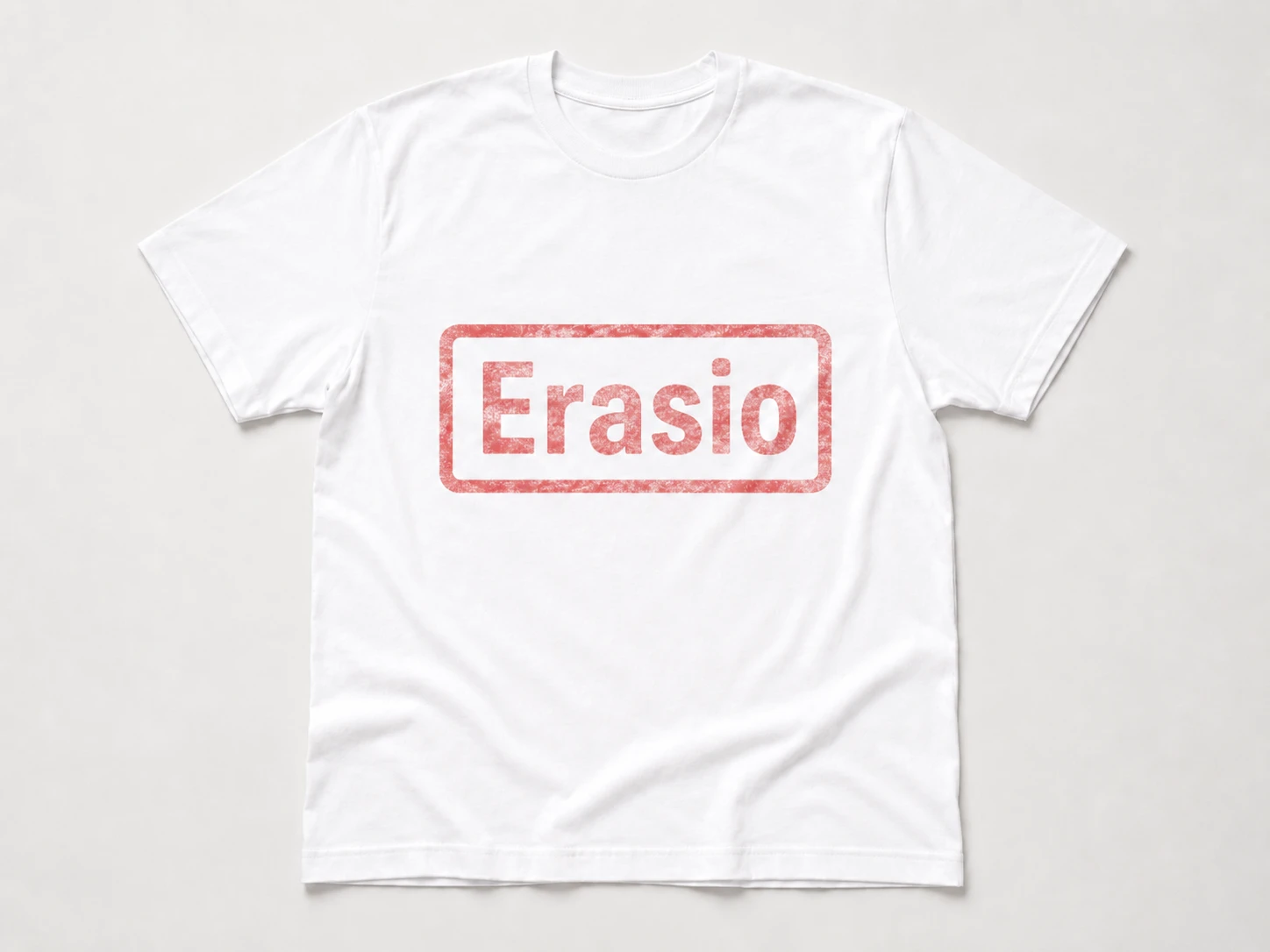
Erase company logos and brand stamps with no leftover patch.
Erasio is a free AI watermark remover that erases logos, text, and stamps from any image in seconds. Our AI rebuilds what was behind the mark online, with no signup or app install.
Drag and drop, paste, or click to upload a JPG, PNG, or WebP. One image or a batch.
Erasio's AI watermark remover finds logos, text, and stamps automatically, or brush over anything it misses for pixel-level control.
Preview the before and after, then download your photo in full resolution.
Erase company logos and brand stamps with no leftover patch.


Wipe promo text, captions, and signatures while keeping the background.


Clear camera dates, timestamps, and geotags from old photos.


Take off Shutterstock, iStock, TikTok, and Instagram watermarks.


Remove faint, repeated, or full-screen marks in a single pass.


Delete sticker overlays, emoji, and scannable QR or barcodes. For face-covering stickers, use the dedicated remove emoji from photo tool.
Instead of blurring marks out, Erasio's watermark remover uses AI inpainting to reconstruct the pixels behind the mark, so the result stays sharp. Light text, logos, and date stamps over simple backgrounds come out clean; dense, full-screen, or texture-heavy marks may need a second pass with the manual brush.


You repost references, pull frames, and save inspiration all day. Erasio's watermark remover clears stray logos and platform marks from images you have the right to edit, so your feed stays clean and on-brand — no Photoshop, no app.


Switching suppliers or refreshing a listing? Use Erasio to remove watermarks, outdated logos, and stamps from product photos you own and are entitled to sell, for marketplace-ready shots in seconds instead of reshooting. For product cleanup beyond marks, try remove object from image.
Comps and drafts pile up with placeholder marks and sample overlays. Use the AI watermark remover to strip those from your own design files in one pass, so client-facing mockups look finished without manual masking.


Approved visuals often still carry internal draft, sample, or for-review overlays. Remove watermarks and draft overlays from your signed-off campaign assets before launch — fast enough to do it yourself without looping in a designer.


Listing photos pick up old agency stamps and outdated contact overlays. Erasio lets you remove watermarks and agency stamps from listing photos you own, so you can reuse your best shots across a new site, brochure, or profile.


Sometimes you need a clean master of your own work — for a portfolio, a print, or a client handoff. Erasio takes your own mark back off the originals at full resolution, with no quality loss on the underlying photo.


Screenshots and graphics collect stray UI marks, timestamps, and tool overlays. The watermark remover tidies up your own visuals so your posts, guides, and newsletters look polished. For baked-in captions, use remove text from image.


Proofs and previews ship with temporary sample marks. The watermark remover clears them from your own artwork before you upload to a product, so what you print is exactly what you designed.
01
Yes. You can take marks off your images for free, with no signup or app install. Upload a photo, erase the mark, and download the result in your browser. Heavier batch processing or higher-resolution exports may use a paid plan, but the core watermark remover is free to try.
02
Erasio uses AI inpainting. After you upload an image, the watermark remover detects the marked area, then reconstructs the pixels behind it based on the surrounding content, rather than just blurring it. Learn how AI inpainting removes objects from photos, or brush over any area manually for precise control before downloading.
03
The watermark remover supports JPG, JPEG, PNG, and WebP files up to 25 MB. It runs entirely online in your browser, so it works the same on Windows, Mac, iPhone, iPad, and Android, with no app or software install required.
04
Yes. Images are uploaded only to clean the mark, are never sold or shared, and are deleted automatically after processing. We don't keep your photos longer than needed to return your result.
05
It depends on the image. Removing a watermark from photos you own or have permission to edit is fine. Doing it to copyrighted images you don't have rights to may break copyright or the owner's terms. Only use Erasio on images you have the right to edit.
06
For most photos, no. AI inpainting rebuilds the background at full resolution when you remove watermarks, instead of blurring. Results are cleanest on simple backgrounds. Marks over busy detail, faces, or full-screen patterns may leave faint traces that need a touch-up.
07
Yes. Erasio's watermark remover is fully browser-based, so it works on iPhone, Android, and tablets with no app to install. Just open the site, upload your image, and clean the mark from your phone.
08
Yes. Erasio now supports video watermark removal for signed-in users. Upload your MP4, MOV, or WebM up to 5 minutes, and the AI removes logos, text overlays, and channel bugs frame by frame — without blur or cropping. Try the AI video watermark remover.
No signup · No app install · JPG, PNG & WebP · Free to try